[Update] How themes will appear following the iOS 26 update
Share


Copied
Updated: September 28, 2026
Useful info
- After the LINE app
was updated in August 2026, menu icons are displayed with their default design for some themes.
After updating the LINE app to the latest version, the menu icons for creators' themes will be automatically converted to the new design. (Official themes are scheduled to be gradually made compatible.) - If the menu icons are hard to see, turn off Automatically convert menu icons.
We will be rolling out theme packages that are compatible with the design specifications of iOS 26.
When the new design will be applied to themes
Rollout schedule: Starting around August 2026
The new design will be applied to themes for users who meet the following conditions.
- The LINE app is updated to version 26.12 or later.
- The device is running iOS 26 or later.
What changes with the new design
We are optimizing the layout of menu icons and character appearances on themes to be
compatible with the new design.
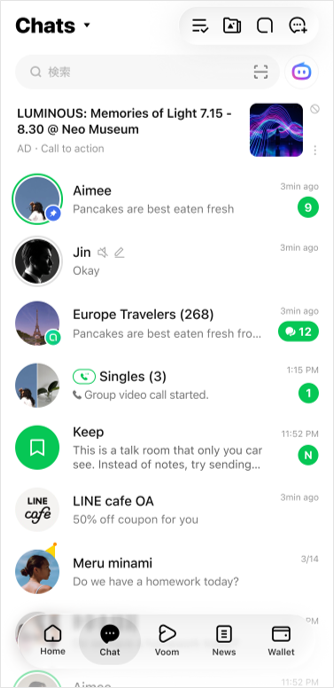
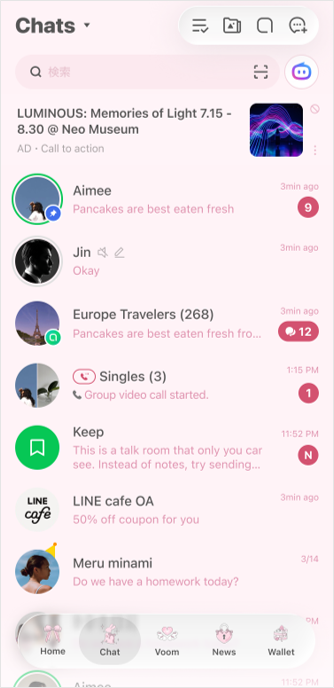
Partially compatible themes
Even if conditions such as the required OS version are met, some themes may only be partially compatible. As a result, elements such as menu icons may revert to their default design. For details, refer to the images below.
Full design support
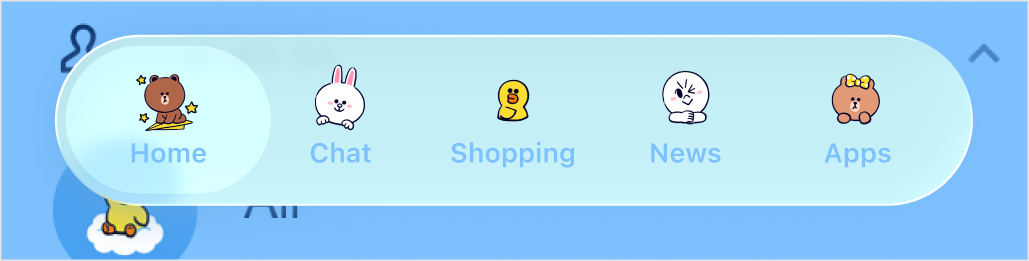
Partial design support
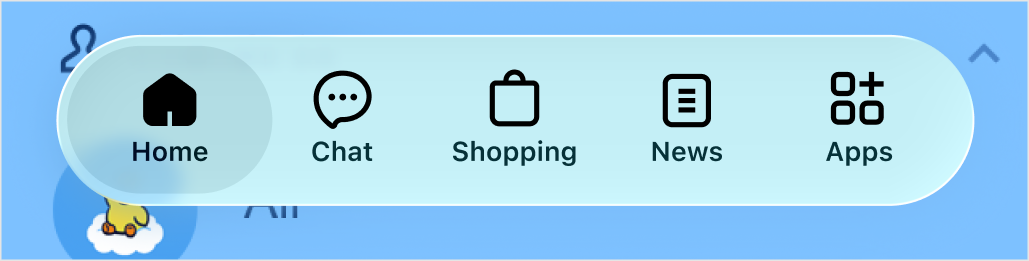
Useful info
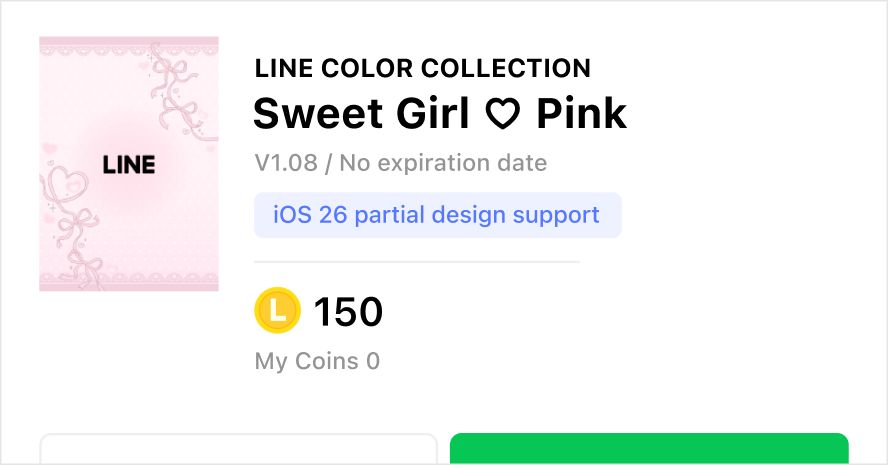
- Partially
compatible themes will display the iOS 26 partial design support badge
near the title on a theme's details page.
- If a theme compatible with the new design has menu icons that are hard to
see, you can change them to the default icons by tapping the Home tab
>
 > Themes > My Themes, and turning off Automatically convert
menu icons.
> Themes > My Themes, and turning off Automatically convert
menu icons.
The following information only applies to users in Thailand:
We have updated the
LINE app system to support iOS 26. As a result, some themes purchased before the update may not display
fully, such as the above issue where the menu icons are changed to LINE's default ones. If you have an issue
while using a theme or have any additional questions, please contact us via the Inquiry Form.